
Table of contents
- Three connections that are easy to confuse
- Check the vessel, not only the cruise line
- How GigSky cruise plans fit into the decision
- Budget around what you will actually do
- Keep the home SIM from becoming an expensive fallback
- Before boarding: save a small offline pack
- If the connection drops during the sailing
- Frequently asked questions
- Sources and further reading
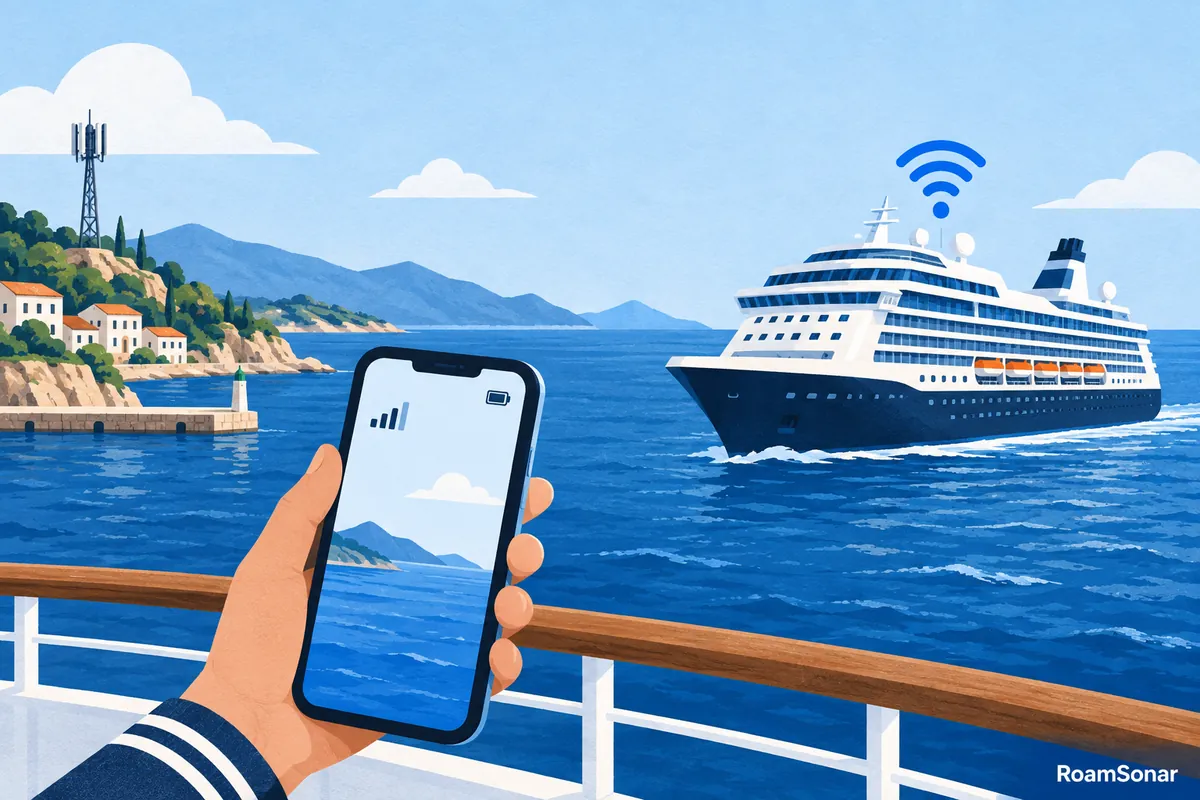
A normal country eSIM is not a promise of internet at sea. For a cruise, separate three needs: connectivity aboard the ship, data while exploring ports, and the ship’s own onboard app or services. They may use different networks and require different purchases.
A supported maritime eSIM may be useful for some sailings, while ship Wi-Fi may suit other needs. Neither should be treated as guaranteed, uninterrupted internet. This guide helps you check the actual ship and itinerary before paying, with GigSky as a specific example of a cruise-eSIM service—not a universal recommendation.
Three connections that are easy to confuse
| Connection | Where it is useful | What to verify |
|---|---|---|
| Terrestrial mobile data | In a covered port or land destination | Country, network, allowance and validity |
| Maritime mobile service | On a ship supported by that service | Exact vessel, package and onboard availability |
| Ship Wi-Fi | Aboard the ship through its Wi-Fi network | Internet access, device limits and package terms |
A ship’s local Wi-Fi can also be used for onboard services without necessarily including open internet access. Joining the network does not prove you have a paid internet connection. Equally, a working cellular eSIM does not establish that every feature in the cruise line’s app will work through it.
For the cost risk, the European Commission makes an important distinction: its roaming guidance says non-terrestrial services on ships are outside the standard roam-like-at-home price caps. Do not apply a land-roaming allowance to a maritime network without your carrier explicitly confirming it.
Check the vessel, not only the cruise line
Before choosing a maritime eSIM, search the provider’s current supported-ship list for the exact vessel. Ships within one cruise line can have different arrangements. A route name such as “Mediterranean cruise” is not enough to establish onboard compatibility.
- Full ship name and cruise line, including any recent name change.
- Sailing dates and the number of sea days versus port days.
- The product’s stated onboard coverage and land destinations.
- Data allowance, validity trigger and any speed or usage restrictions.
- Support and refund terms if the service is unavailable on your sailing.
If the vessel is absent or the spelling is ambiguous, send the details to support before buying. Keep the answer with your booking. Do not use a list from an old blog post as your only coverage check: your purchase needs the provider’s current confirmation.
How GigSky cruise plans fit into the decision
GigSky offers Cruise + Land and Sea Only products. Its cruise setup instructions distinguish those products and explain the settings. Check your ship through the official cruise-plan page, then read the selected package rather than assuming all GigSky plans include maritime service.
GigSky instructs users to select its line for data and enable roaming on that line. Airplane mode must be off to use its cellular service. Its guidance also warns that a Cruise + Land plan can start early if enabled in a covered home country. Read the activation timing before turning it on.
The same instructions note that maritime connectivity can be unavailable near land and that the ship’s app may require the ship’s Wi-Fi. There is no universal distance from shore at which your phone is guaranteed to connect. Do not plan an essential call around an offshore-distance claim.

Budget around what you will actually do
A few messages and an occasional small webpage are a different requirement from video meetings, cloud backups or several family devices. Write down your must-have activities first. If live work calls are essential, ask about the relevant service conditions and keep a backup plan that does not depend on uninterrupted connectivity.
| Need | Questions to ask before purchase |
|---|---|
| Messages and basic browsing | What happens if the allowance runs out or speed is reduced? |
| Work calls | Are internet calls supported, and is the connection suitable for the planned workload? |
| Laptop connection | Is tethering permitted, and how many devices can use the service? |
| Family use | Is the allowance shared, and are simultaneous devices restricted? |
| Onboard activities app | Does it need the ship’s local Wi-Fi even without an internet package? |
| Port navigation | Are all port countries included, including the final departure port? |
Avoid buying a larger package solely because it has the lowest theoretical price per GB. If you only need a small amount of data, unused allowance is not a saving. Conversely, a small maritime package can be poor value if you repeatedly top it up to complete necessary tasks.
A seven-night budgeting example
Imagine a seven-night cruise with three sea days, four port visits and hotel stays before and after sailing. Price three arrangements: ship Wi-Fi plus a land package; a maritime-and-land product that covers the entire route; or a more limited connection plan with deliberate offline periods. These are planning options, not claims that every sailing offers all three.
Use actual checkout totals for the dates and number of devices. Add the hotel nights to any land-package validity requirement. If an internet package is priced for the whole sailing, do not calculate its cost as though you could buy only the three sea days unless the cruise line allows that.
Keep the home SIM from becoming an expensive fallback
Before boarding, decide whether you need your home line active at all. Turning that line off is the clearest way to prevent it registering for cellular service, but it also changes access to calls and messages through that number. Arrange any necessary authentication or contact method beforehand.
If you leave the home line enabled, understand its maritime tariff. Data roaming off is not a blanket block on every potentially chargeable call or message. Review automatic mobile-data switching so your phone cannot quietly use an unintended line when the travel service drops.
For Wi-Fi-only use, airplane mode with Wi-Fi manually enabled can help keep cellular service off; verify the actual settings on your phone. For an intended maritime cellular eSIM, airplane mode blocks the connection too, so follow that provider’s line-specific setup instead. These are two different modes, not instructions to apply simultaneously.
Before boarding: save a small offline pack
- Download boarding documents, reservation details, the itinerary and essential addresses.
- Save the provider order reference, support route and installation instructions privately.
- Install only when the package’s activation rules make it appropriate, using reliable internet.
- Pause automatic backups and large updates unless you deliberately budgeted for them.
- Write down the ship’s onboard assistance procedure; do not rely on a travel data plan for urgent help.
For port days, download useful maps while you have a dependable connection. Share your expected availability with anyone who needs to reach you. Having clear offline arrangements is more reliable than assuming a package name guarantees service throughout a moving itinerary.
If the connection drops during the sailing
First establish which service you are trying to use: ship Wi-Fi, maritime cellular data or land cellular data. Then check the selected line, package balance and the provider’s instructions for that location. Do not repeatedly buy new packages before identifying whether the underlying network is available.
Record the ship, approximate location, time, product and error message for support. Keep private SIM identifiers and activation codes out of public screenshots. For land setup issues, the eSIM installation guide offers a controlled checklist that starts with settings, not deleting the profile.
Frequently asked questions
Will my normal country eSIM work on a cruise ship?
Do not assume it will work offshore. A country package covers its stated land networks, while maritime service depends on the exact ship and product. It may still be useful during covered port visits.
Is a cruise eSIM the same as ship Wi-Fi?
No. A maritime eSIM uses supported cellular service; ship Wi-Fi uses the vessel’s Wi-Fi network. Their internet packages, device limits and access to onboard services can differ.
Should I leave airplane mode on during a cruise?
For Wi-Fi-only use, you can keep cellular off and enable Wi-Fi separately. A maritime cellular eSIM needs cellular service enabled, so airplane mode must be off when using it. Protect the home line separately.
Can RoamSonar guarantee connectivity on my sailing?
No. Check the exact ship, route, current provider coverage and package conditions. Keep important documents and an alternative contact plan available offline.