
Sommaire
- Trois connexions à ne pas confondre
- Vérifiez le bateau, pas seulement la compagnie
- Comment examiner les forfaits de croisière GigSky
- Préparez le budget selon les vrais usages
- Évitez un basculement coûteux sur la SIM habituelle
- Avant l’embarquement : un petit dossier hors ligne
- Si la connexion tombe pendant la croisière
- Questions fréquentes
- Sources et lectures utiles
Une eSIM nationale ordinaire ne promet pas Internet en mer. Séparez connexion à bord, données pendant les escales et application ou services du navire : réseaux et achats nécessaires peuvent différer.
Une eSIM maritime compatible peut convenir à certaines traversées ; le Wi-Fi du bateau à d’autres besoins. Aucun ne garantit un accès continu. GigSky sert ici d’exemple de service eSIM de croisière, pas de recommandation universelle : vérifiez navire et itinéraire avant de payer.
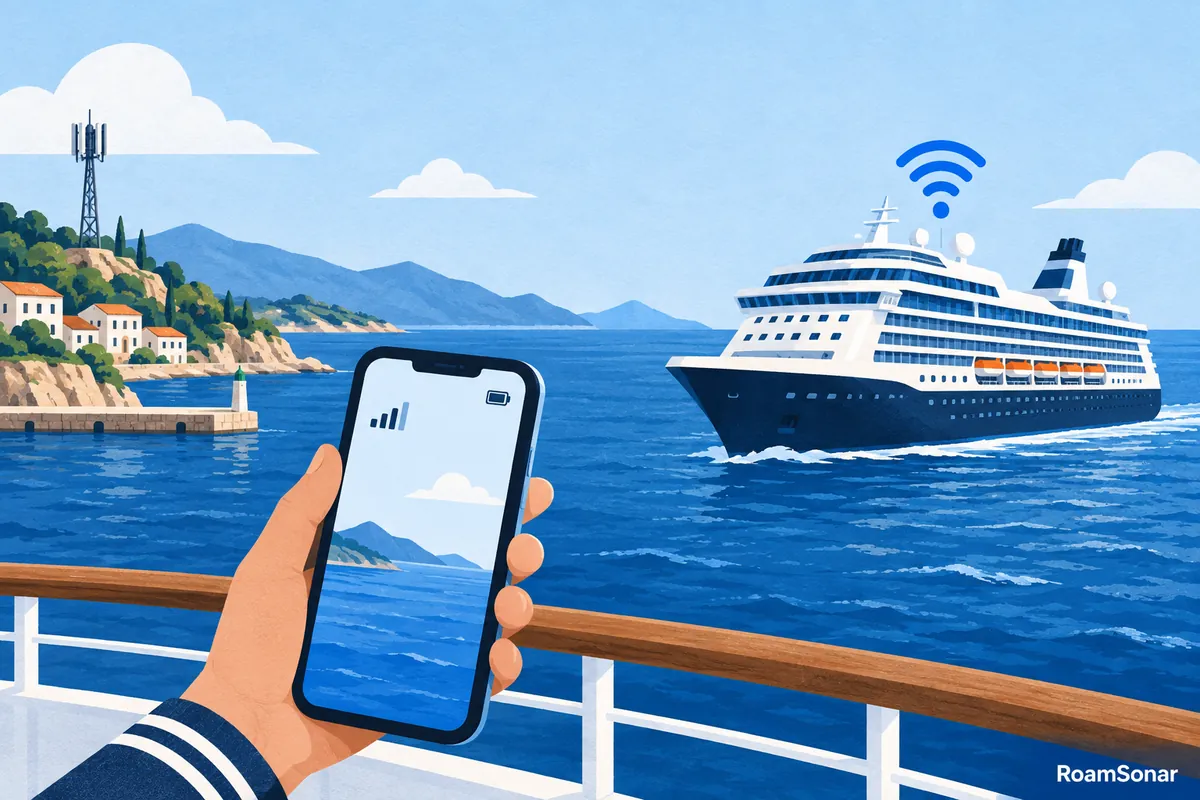
Trois connexions à ne pas confondre
| Connexion | Usage | À vérifier |
|---|---|---|
| Données mobiles terrestres | Port ou pays couvert | Pays, réseau, volume et validité |
| Service mobile maritime | Navire pris en charge | Bateau exact, produit et disponibilité à bord |
| Wi-Fi du navire | Réseau Wi-Fi du bateau | Accès Internet, limites d’appareils et conditions |
Le Wi-Fi local du bateau peut donner accès aux services de bord sans inclure Internet. Être connecté au réseau ne prouve pas qu’un accès Internet est acheté. De même, une eSIM cellulaire fonctionnelle ne garantit pas toutes les fonctions de l’application de la compagnie.
La Commission européenne distingue les réseaux non terrestres : son guide de l’itinérance indique que les services de bord concernés échappent aux plafonds habituels de l’itinérance nationale. N’étendez pas une enveloppe terrestre au maritime sans confirmation explicite de l’opérateur.
Vérifiez le bateau, pas seulement la compagnie
Cherchez le nom exact du navire dans la liste actuelle du fournisseur maritime. Une même compagnie peut exploiter des bateaux aux équipements différents. « Croisière en Méditerranée » ne suffit pas à établir la compatibilité.
- Nom complet du bateau et compagnie, avec un éventuel changement récent.
- Dates de navigation, jours en mer et escales.
- Couverture à bord et destinations terrestres du produit.
- Volume, déclenchement de validité et restrictions de débit ou d’usage.
- Assistance et remboursement si le service manque pendant votre traversée.
Si le nom manque ou reste ambigu, envoyez les détails au support avant l’achat et gardez sa réponse. Ne vous fiez pas uniquement à une liste d’un ancien article : il faut une confirmation actuelle pour votre commande.
Comment examiner les forfaits de croisière GigSky
Vérifiez si l’achat couvre aussi la terre ou seulement la mer. Les FAQ de croisière GigSky distinguent Cruise et Cruise + Land. Vérifiez le navire dans la sélection officielle des croisières, puis le forfait exact : toutes les offres GigSky n’incluent pas la mer.
Pour utiliser le service cellulaire prévu, choisissez la ligne GigSky pour les données et suivez ses consignes d’itinérance ; le mode avion bloque cette connexion. Une offre Cruise + Land couvrant le pays de départ peut démarrer avant le voyage si vous l’y activez. Confirmez la règle de votre commande avant de l’allumer.
Le service maritime peut être indisponible près des côtes, et l’application du navire peut demander son Wi-Fi. Aucune distance universelle ne garantit la connexion du téléphone. N’organisez pas un appel essentiel autour d’un chiffre d’éloignement du rivage.

Préparez le budget selon les vrais usages
Quelques messages et pages légères n’ont pas les mêmes besoins que réunions vidéo, sauvegardes ou plusieurs appareils familiaux. Listez l’indispensable. Si les appels professionnels en direct sont essentiels, vérifiez leurs conditions et prévoyez un secours indépendant d’une connexion ininterrompue.
| Besoin | Questions avant l’achat |
|---|---|
| Messages et navigation simple | Que se passe-t-il sans quota ou après ralentissement ? |
| Appels professionnels | Les appels Internet sont-ils permis et adaptés au travail prévu ? |
| Ordinateur | Partage autorisé et nombre d’appareils ? |
| Famille | Solde partagé et connexions simultanées limitées ? |
| Application de bord | Faut-il le Wi-Fi local même sans forfait Internet ? |
| Navigation à terre | Tous les pays des ports sont-ils inclus, jusqu’au départ final ? |
N’achetez pas plus grand seulement pour un faible prix théorique par Go. Des données inutilisées ne sont pas une économie. À l’inverse, un petit forfait maritime peut coûter cher si les recharges se multiplient pour finir les tâches nécessaires.
Exemple de préparation pour sept nuits
Imaginez sept nuits, trois jours en mer, quatre escales et des nuits d’hôtel avant/après. Chiffrez : Wi-Fi du navire avec forfait terrestre ; produit mer-et-terre couvrant tout ; ou accès limité avec périodes hors ligne choisies. Ce sont des scénarios de préparation, pas des options garanties sur chaque traversée.
Utilisez les vrais totaux pour les dates et appareils. Incluez les nuits d’hôtel dans la validité terrestre. Si Internet est vendu pour toute la croisière, ne le calculez pas comme si trois jours seulement étaient achetables, sauf autorisation de la compagnie.
Évitez un basculement coûteux sur la SIM habituelle
Avant d’embarquer, décidez si la ligne habituelle doit rester active. La désactiver empêche clairement son enregistrement cellulaire, mais affecte appels et messages du numéro. Préparez les méthodes d’authentification et de contact nécessaires.
Si elle reste active, comprenez son tarif maritime. Couper seulement l’itinérance des données ne bloque pas tout appel ou message facturable. Contrôlez le basculement automatique pour éviter une reprise discrète lorsque le service de voyage disparaît.
Pour du Wi-Fi uniquement, le mode avion avec Wi-Fi réactivé séparément peut garder le cellulaire coupé : vérifiez vos réglages. Pour une eSIM cellulaire maritime, le mode avion bloque aussi la connexion voulue ; suivez les consignes de cette ligne. Ce sont deux modes distincts, pas à appliquer ensemble.
Avant l’embarquement : un petit dossier hors ligne
- Téléchargez billets, réservations, itinéraire et adresses essentielles.
- Gardez commande, support et instructions d’installation en privé.
- Installez seulement au moment adapté aux règles d’activation, sur une connexion fiable.
- Mettez sauvegardes et grosses mises à jour en pause sauf budget volontaire.
- Notez la procédure d’aide à bord : ne dépendez pas d’un forfait data pour une urgence.
Préchargez les cartes des ports sur un réseau fiable et prévenez vos proches de vos disponibilités prévues. Des dispositions hors ligne claires valent mieux que supposer une connexion permanente à partir du nom du forfait.
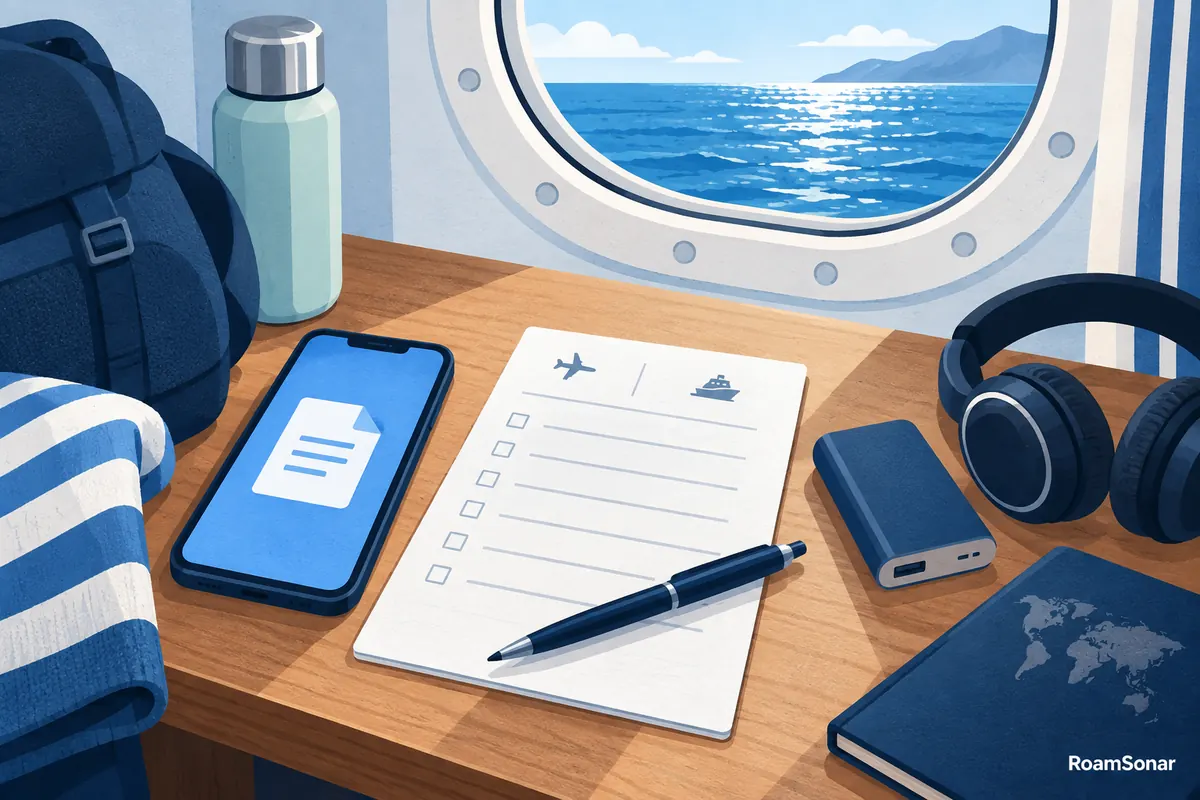
Si la connexion tombe pendant la croisière
Identifiez d’abord le service : Wi-Fi du navire, cellulaire maritime ou terrestre. Vérifiez ensuite ligne choisie, solde et instructions du lieu. N’achetez pas plusieurs nouveaux forfaits avant de savoir si le réseau lui-même est disponible.
Notez bateau, position approximative, heure, produit et erreur pour le support. Masquez identifiants SIM et codes d’activation des captures publiques. À terre, le guide d’installation commence par les réglages, pas la suppression du profil.
Questions fréquentes
Mon eSIM nationale fonctionnera-t-elle sur un bateau de croisière ?
Ne supposez pas qu’elle fonctionne au large. Un forfait national couvre ses réseaux terrestres ; le maritime dépend du bateau et du produit. Elle peut rester utile dans les ports inclus.
Une eSIM de croisière équivaut-elle au Wi-Fi du navire ?
Non. L’eSIM maritime utilise un service cellulaire compatible ; le Wi-Fi utilise le réseau du navire. Forfaits Internet, limites d’appareils et services de bord peuvent différer.
Faut-il garder le mode avion pendant une croisière ?
Pour le Wi-Fi seul, gardez le cellulaire coupé et réactivez le Wi-Fi. Une eSIM maritime exige le cellulaire, donc pas de mode avion pendant son utilisation. Protégez séparément la ligne habituelle.
RoamSonar peut-il garantir la connexion pendant ma traversée ?
Non. Vérifiez bateau, itinéraire, couverture actuelle et conditions du produit. Gardez les documents importants et un autre moyen de contact hors ligne.